
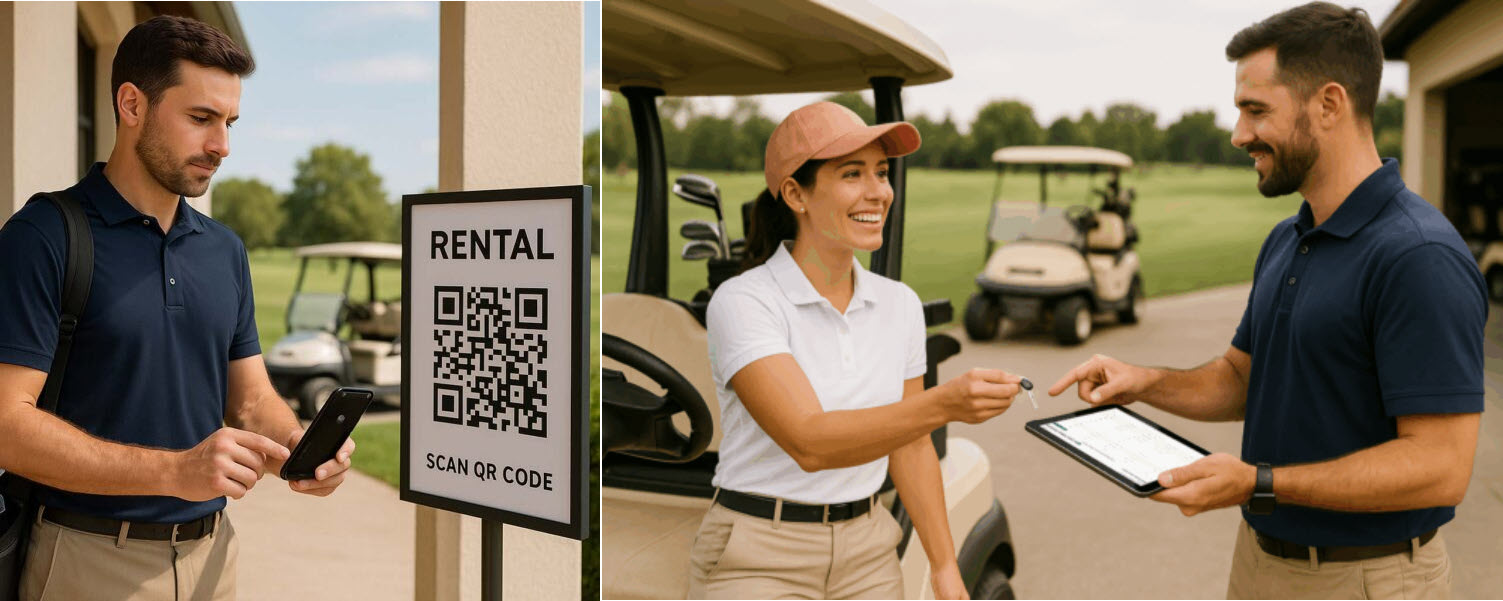
Online Rental Manager
How Many Strokes product news
Announcing Our Online Rental Manager — Smarter, Greener, Effortless
We’ve built a modern rental workflow that removes paper, speeds up handovers, and gives you a real-time overview — configured for your club’s rental workflow.
For current information, see current Online Rental Manager. For related guidance, see Online Rental Manager.
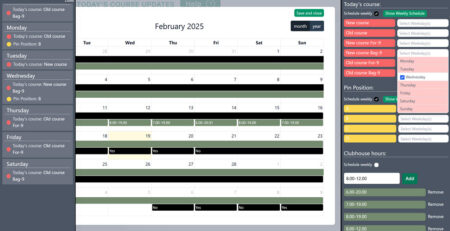
Live overview in the Online Rental Manager
Why clubs asked for this
- No more paper — QR and link for every rental; sustainable and tidy.
- Faster handover — players arrive pre-registered; staff verify and hand out.
- Real-time control — see all rentals at a glance; update status on any device.
- Configurable fields and views — optional and confidential fields can be selected for the club’s workflow.
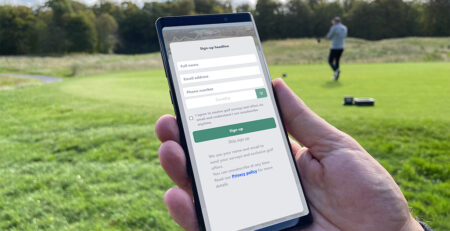
Players sign up from phone via QR or link
Instant access — no paper required
- QR code and shareable link for every rental
- Eco-friendly and always legible
Effortless player sign-up
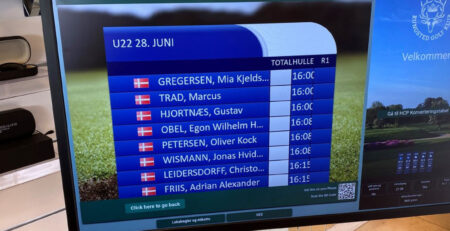
- Register from phone or Digital Information Board
- Pre-register groups and arrivals in advance
Player confirmation
- Confirmation by e-mail and on device
- Staff simply verify and issue the rental
Live overview
- Track every rental in real time
- Update status from PC, tablet, or phone
Damage & follow-up
- Attach photo documentation to issues
- Use a “Keep until solved” trigger for flagged cases
Built-in privacy
- Optional and confidential fields (name, e-mail, phone, country)
- Hide personal details in ops view when needed
Management that fits your club
- Multiple rental items in one flow (e.g., buggies, trolleys, clubs)
- Integrated terms & conditions / disclaimers
- Tour Operators can sign up for their group
- Automatic monthly marketing list (with consent)
Customisable settings per club
The announcement described optional and confidential fields and a staff view that can hide selected personal details.
Efficiency that pays
- No printing, fewer errors, faster handovers
Player confirmation e-mail
How it works
- Player scans QR or opens the link on your Digital Information Board
- Fills in required fields and accepts terms
- Receives confirmation (and can share the rental case)
- Staff verify and hand out the equipment
- Managers follow live status; flag issues with photos until resolved
Ready to modernise your rentals?
Set-up is quick, training is minimal, and your team will love the time saved. We’ll tailor the flow to your club — from disclaimers to damage follow-up.
Explore the Online Rental Manager
Quick start e-mail for managers




Leave a Reply
You must be logged in to post a comment.