
New Digital Scorecard in the QR Web App
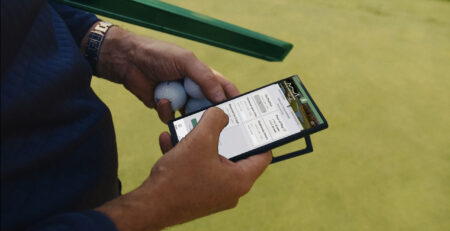
A digital scorecard from your club’s existing QR code
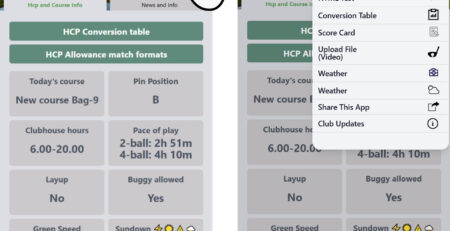
The new digital scorecard is now part of the QR conversion table, the HMS Guest App and the new HMS Members App.
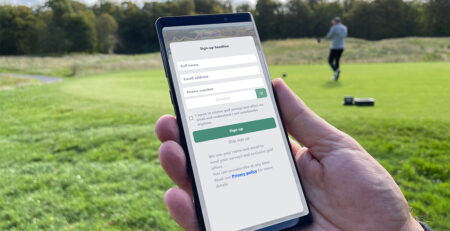
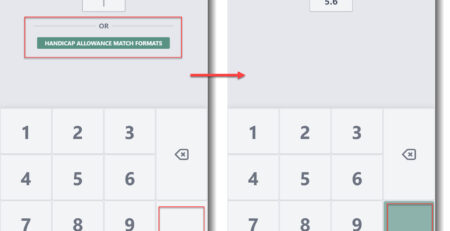
It is available to all clubs using the HMS QR Web App to make their conversion table available to players. Members and guests can open the conversion table on their phone and tap Start Scorecard to begin their round.
Enter scores as you play
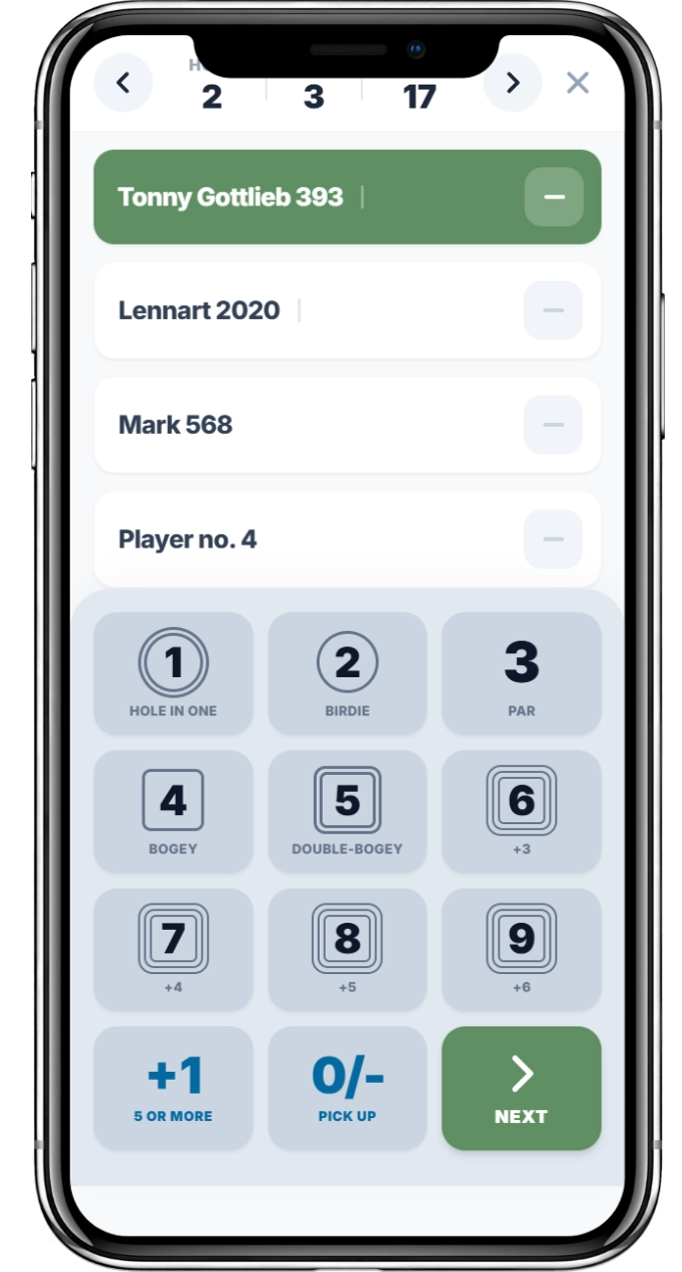
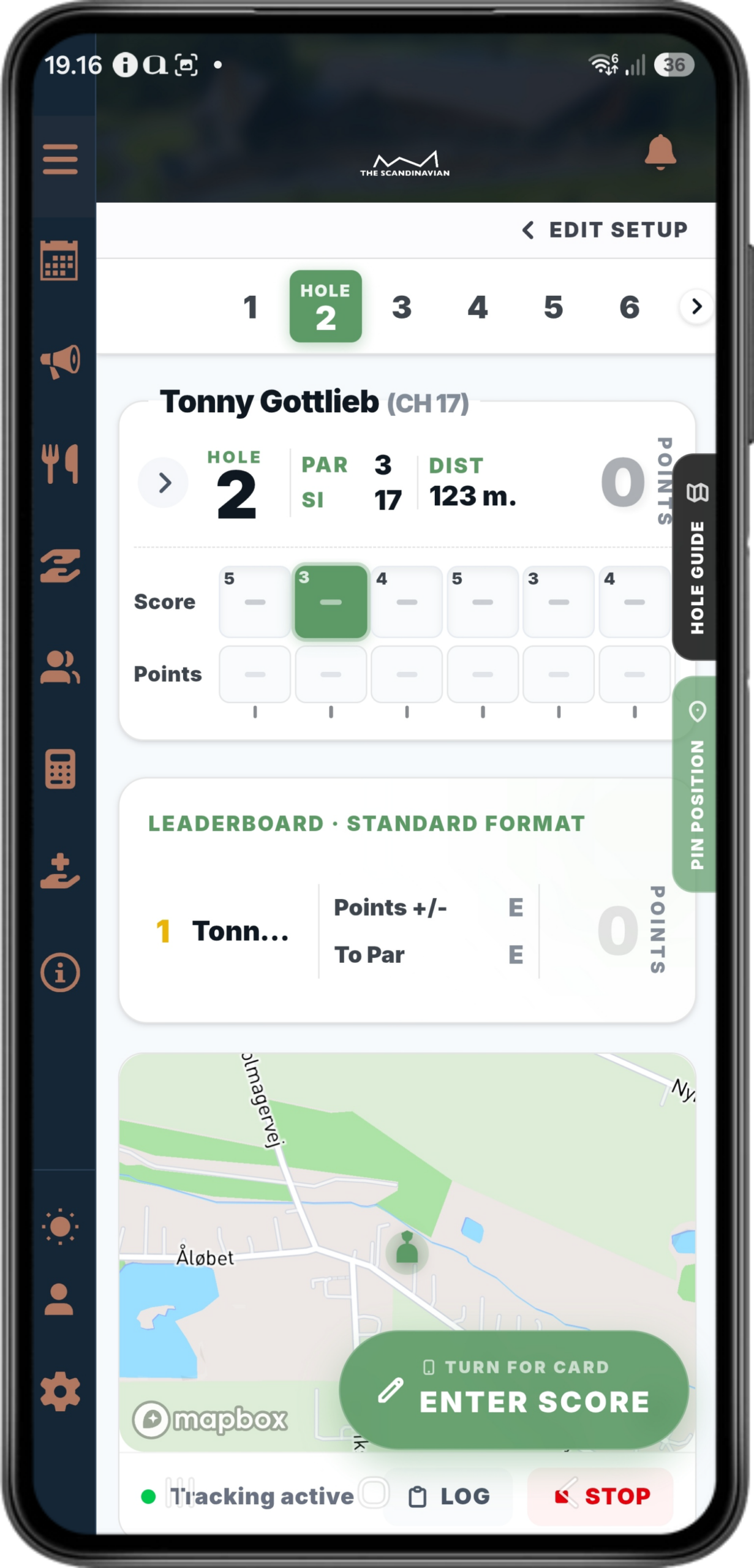
Enter scores hole by hole on your phone.
Review the finished scorecard
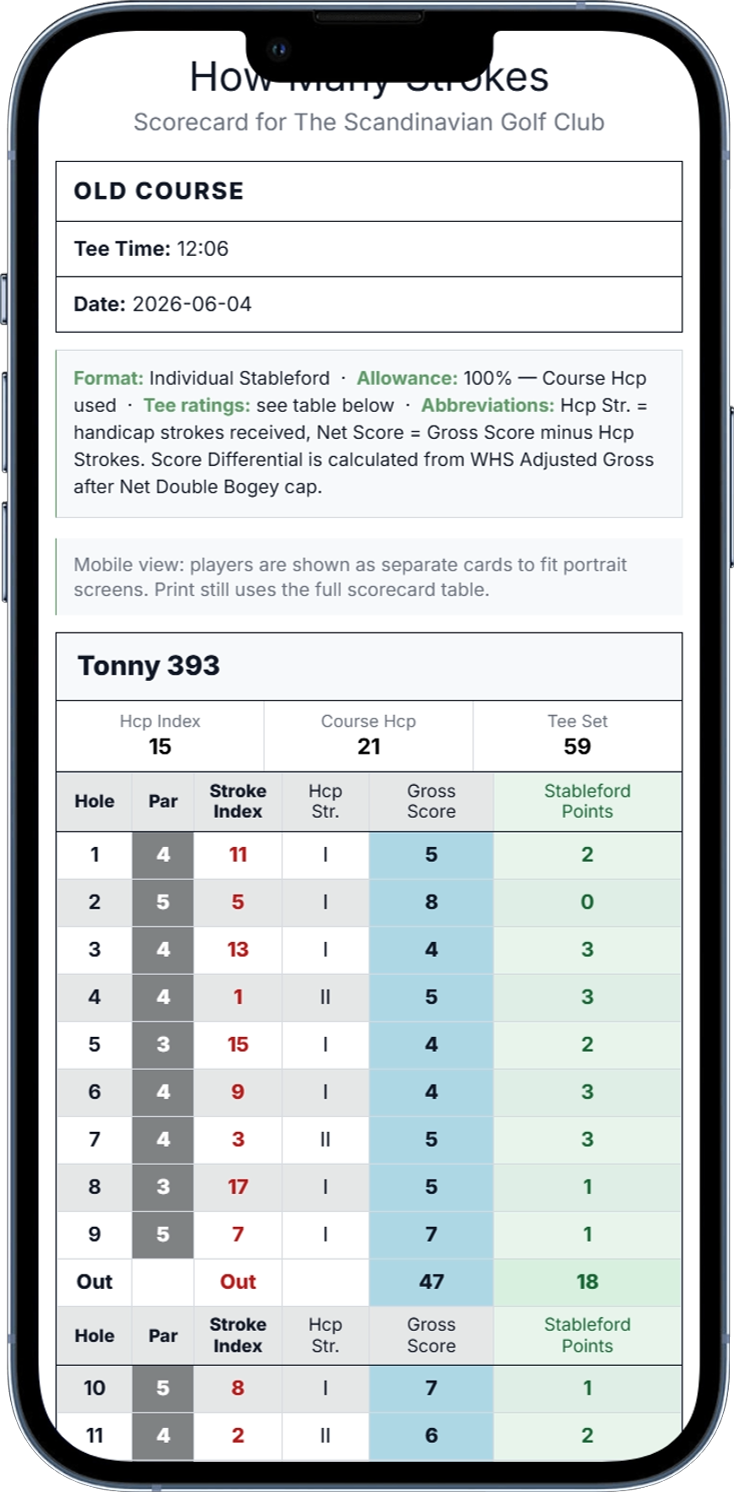
See the scores and points for each hole.
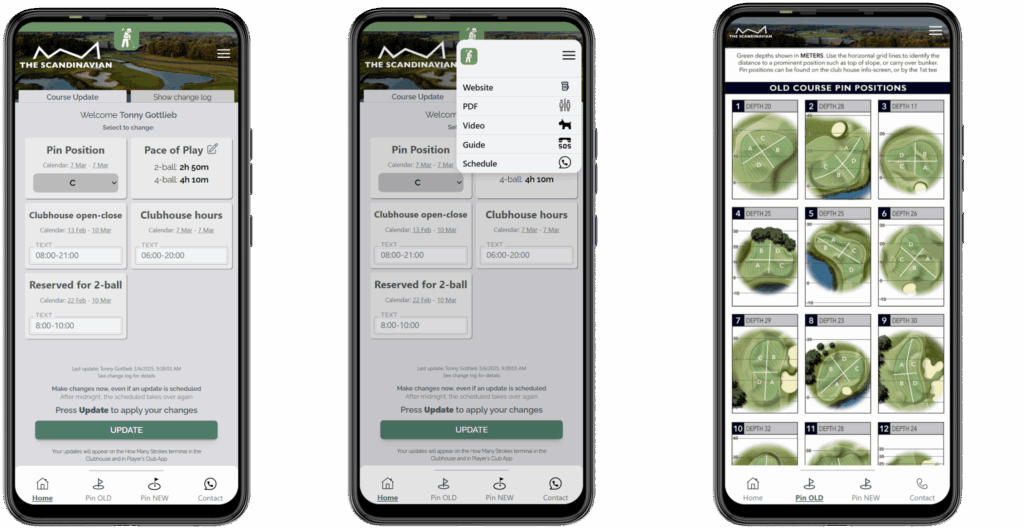
Screenshots from the HMS Members App at The Scandinavian. Tap an image to view it in full.
How players access the scorecard
- Scan the club’s existing conversion-table QR code.
- Open the HCP Conversion Table in the QR Web App.
- Tap Start Scorecard and follow the on-screen steps.
Your existing QR code becomes a way for players to access both their conversion table and their scorecard on the course.
More tools during the round
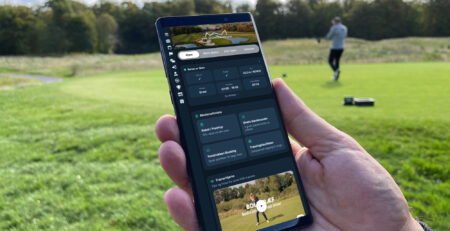
Hole guides and pace-of-play alerts are available in both the QR Web App and the HMS Members App. GPS functionality requires an app.
Hole guide
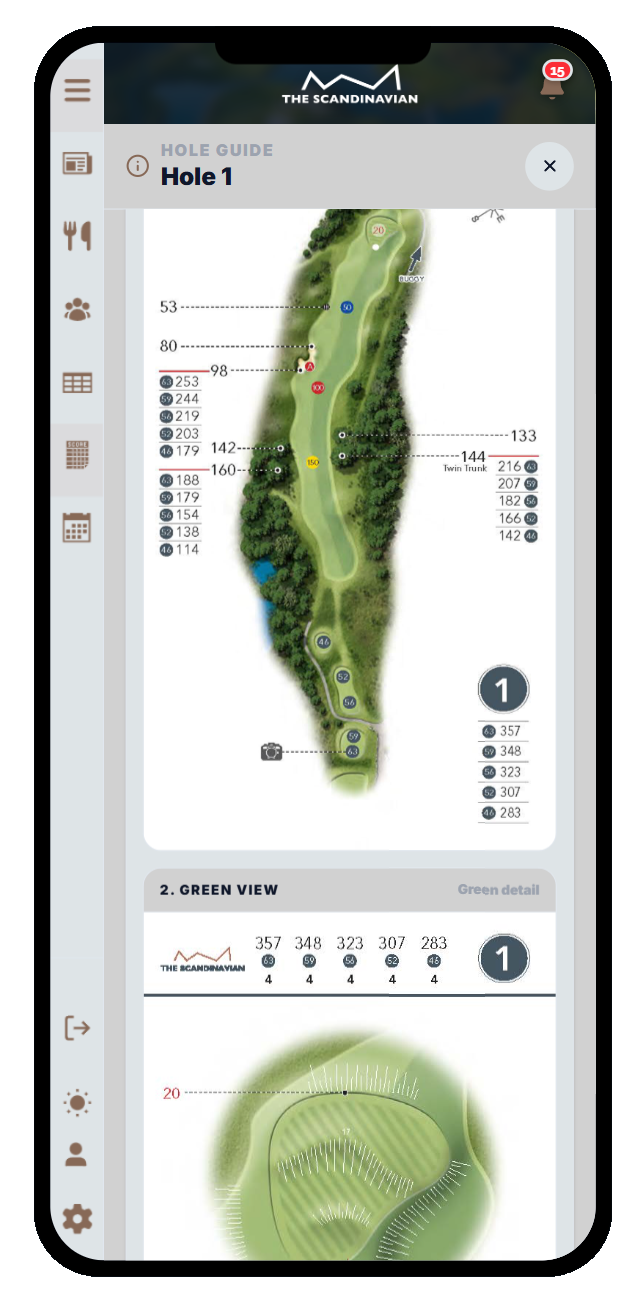
QR Web App + Members App
Pace-of-play alerts
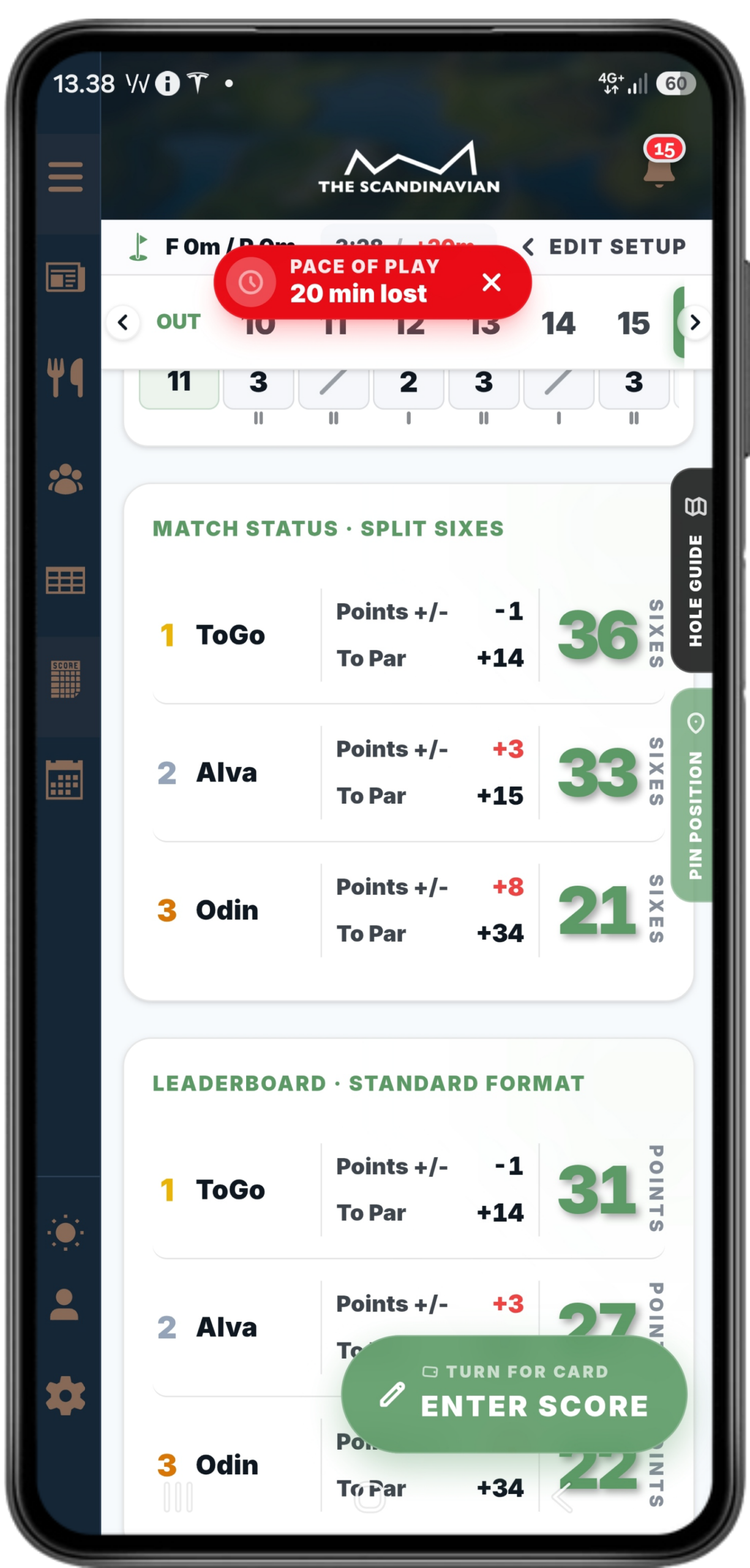
QR Web App + Members App
GPS map
App required
First, check your hole-by-hole course data
The scorecard needs the correct details for the course and tee the player is using. Please make sure the following information is complete for every hole, from every tee, on every course in your HMS Management System.
Hole length
The length of each individual hole from the selected tee box.
Par
The correct par value for each hole from that tee.
Hole index
The correct hole index for each hole from that tee.
Set it up yourself
- Log in to the HMS Management System.
- Open Settings → Course Slope/Rating.
- Scroll to the hole-by-hole table. Check the hole length, par and hole index for every hole, from every tee on every course.
- Save your course data and repeat the check for all courses and tees.
- Go to Settings → Website and mobile QR and turn on Enable scorecard.
- Scan your club’s QR code on a phone and check that Start Scorecard is available.
Let us help with the course data
If you would like us to enter the values for you, send us an up-to-date scorecard showing the hole lengths, par values and hole indexes for every tee on every course.
We will make sure the required values are entered in the HMS Management System so your club is ready to use the scorecard.
Email your scorecard to support@howmanystrokes.com. If the details are spread across several scorecards, please include them all.
Ready for members and guests
With the course data complete and the scorecard enabled, your members and guests can use the same QR code they already scan for the conversion table to start a digital scorecard on their phone.


Leave a Reply
You must be logged in to post a comment.