
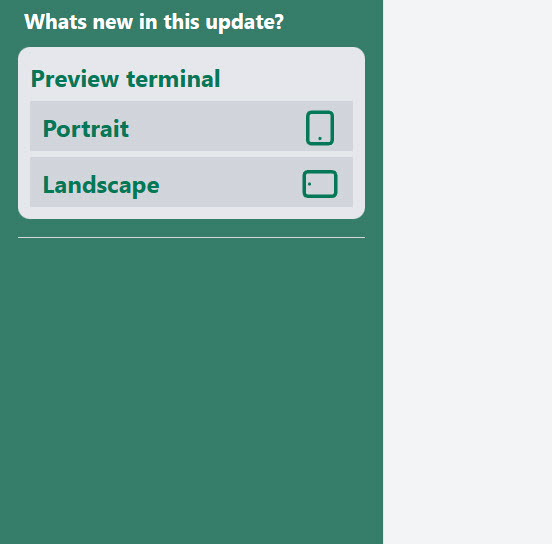
Easy preview Terminal screen
How Many Strokes product news
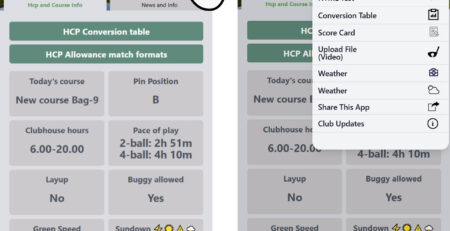
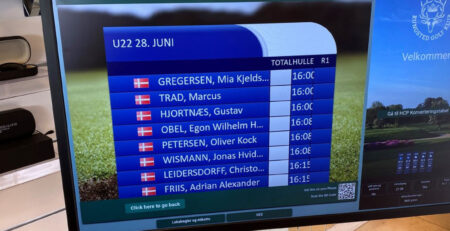
Previewing the screen layout
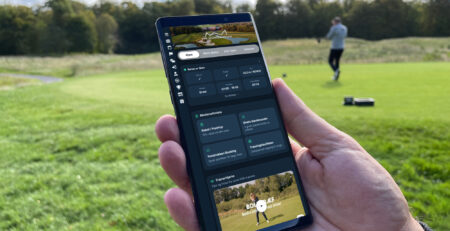
To make it easy for you to see you changes when updating in the management system, you can just click on the previews buttons to see what you screen looks like live.
For current information, see Digital Information Board. For related guidance, see Management System.
The preview can be presented in both Portrait or landscape mode and is available everywhere in the management system.
Note that just above the preview button there is a link to “Product news“. This will allow you to revisit the news overview.



Leave a Reply
You must be logged in to post a comment.