
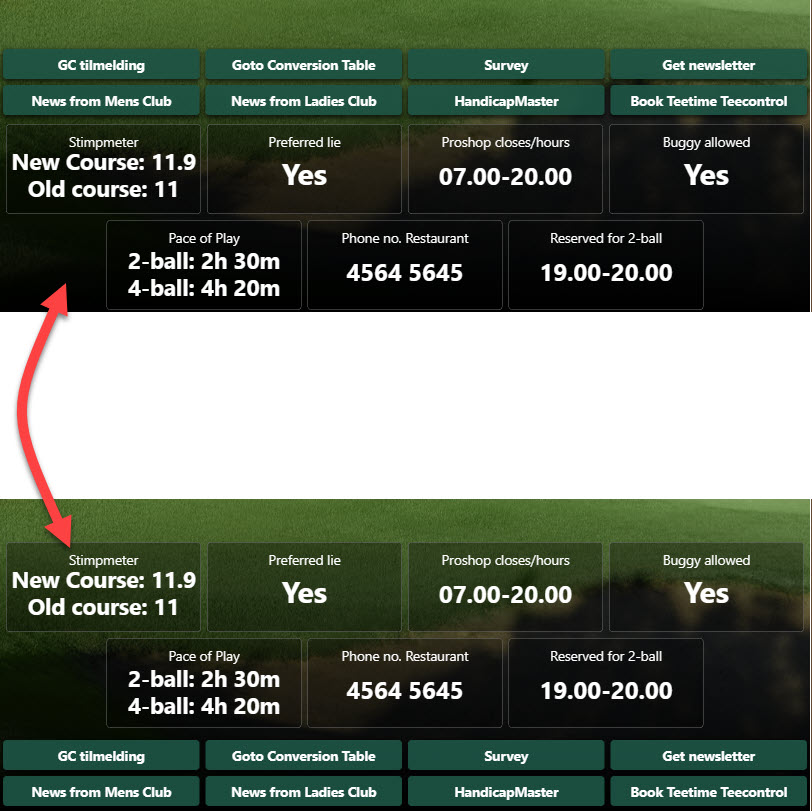
Switch position on Green buttons and Info boxes
How Many Strokes product news
Arrange information boxes and buttons
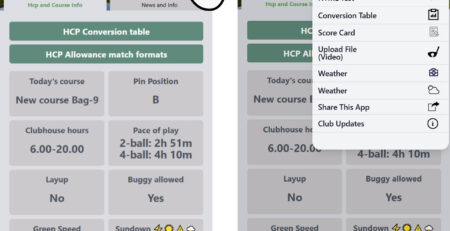
Switch the position of the info boxes and the green info buttons. Enable this to put the green info button on top of the Today’s course update boxes.
For current information, see Course Update App. For related guidance, see Course Update App.
Depending on the number of boxes and buttons you have it might look better if you flip their position.





Leave a Reply
You must be logged in to post a comment.