
Customize button layout on Terminal
How Many Strokes product news
Layouts for multiple courses
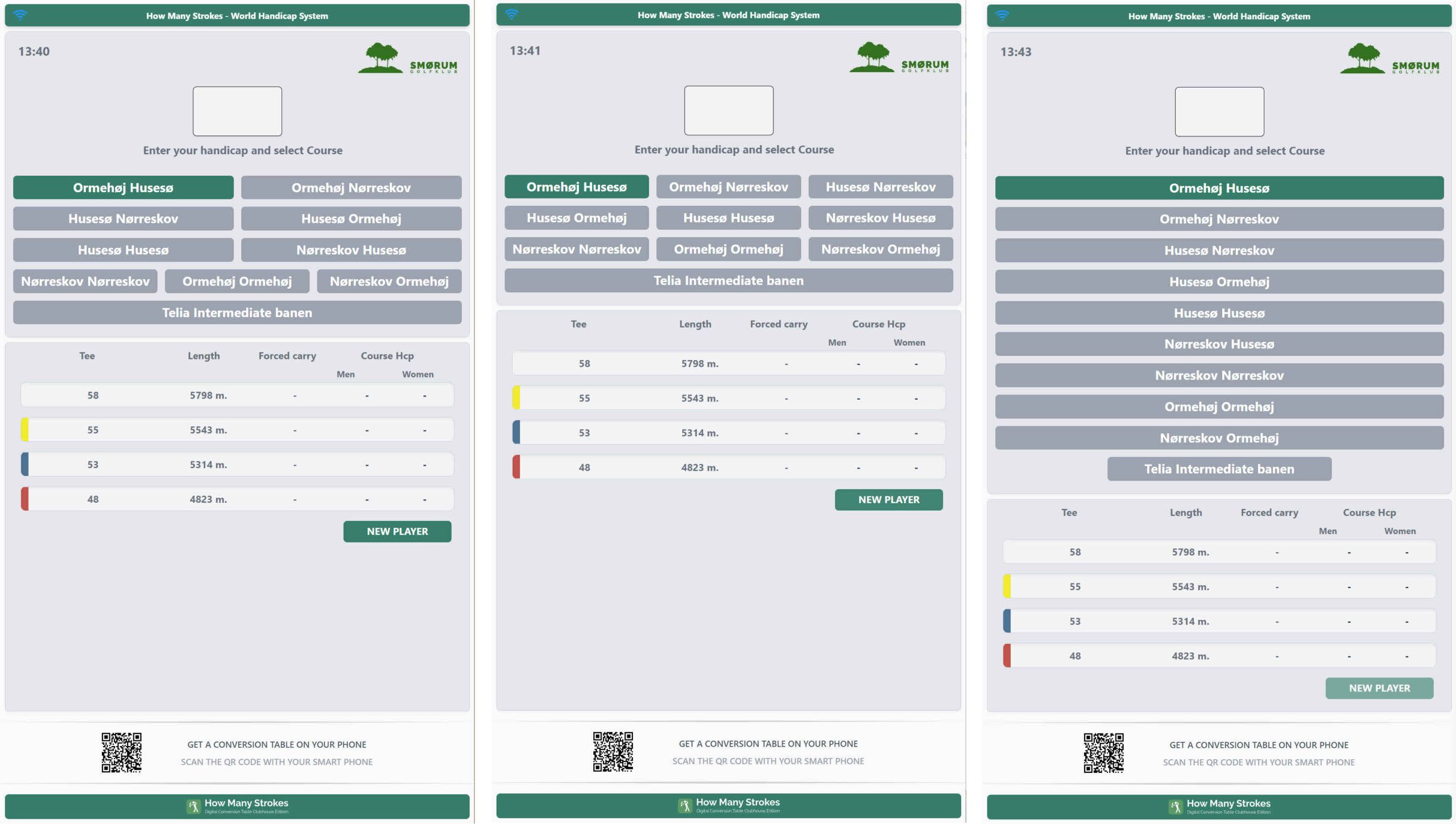
Many Golf Clubs have three or more courses. Often it is a combination of several 9-hole courses that can be combined. This, together with long course names can be difficult to fit into the default Terminal setup. You can now customize the button layout and get the exact layout that looks good with your number of courses. Besides changing the layout, the text size in the buttons can be changed as well.
For current information, see terminal layout settings. For related guidance, see digital Course Handicap conversion.
Above are three examples from one of our customers who has ten courses.




Leave a Reply
You must be logged in to post a comment.